Please make a selection...
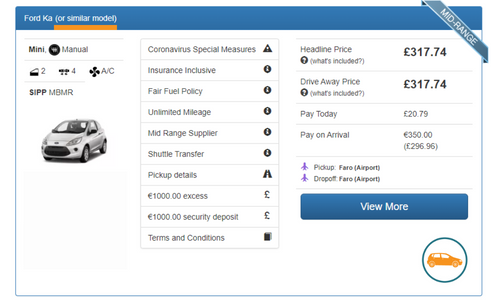
When you book with Clarify you will pay in two parts.
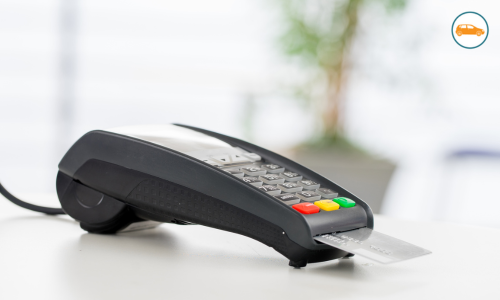
The first is a small reservation deposit which you will pay us at Clarify Car Hire. This is so we can show to car hire firms that you are a serious hirer - people who make no upfront payment are more likely to cancel so, by taking this payment, we can get a better price for you.
You can pay this by Visa or Mastercard, debit or credit card.
We do not take the full payment upfront as we do not believe that car hirers should pay for their car until they get to the desk - this is for a number of reasons which you will find on our page Why we only ask for a small deposit when you book with Clarify.
The balance will be paid directly to your car hire company - together with payment for any extras such as child seats, additional driver fees, additional insurance opted for, or cross border fees etc.
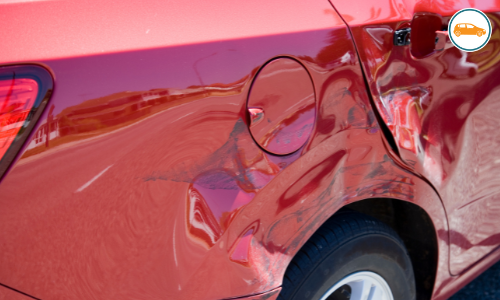
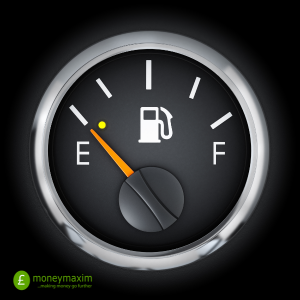
In most cases the easiest way to pay will be with a credit card, as the car hire firm will take their preauthorisation from it (that's the amount they reserve on your credit card to cover any claim for damage to the vehicle on its return, the value of fuel they have supplied to you etc).
However we have many debit card deals, and if the accepted cards sections of the terms and conditions states they can be used, you can use your debit card instead.
They will normally take your preauthorisation on pickup (or possibly charge you if using a debit card), and then charge you for the rental together with any subsequent fees when you return the car. A few companies take the pay on arrival figure already agreed on pickup and then any extra charges when you return it.
If you need any further help give us a call here at Clarify Car Hire and we will be delighted to help.